Just a quick note
This is rather a quick note / reminder for myself than a full guide. If you’re looking for a ton of pictures, I recommend this one: alitajran.com/import-pst-office-365
Steps
1. Create the job
Go to Purview -> Data Lifecycle Management -> Import -> New Import Job
2. Copy files into MSFT cloud
| |
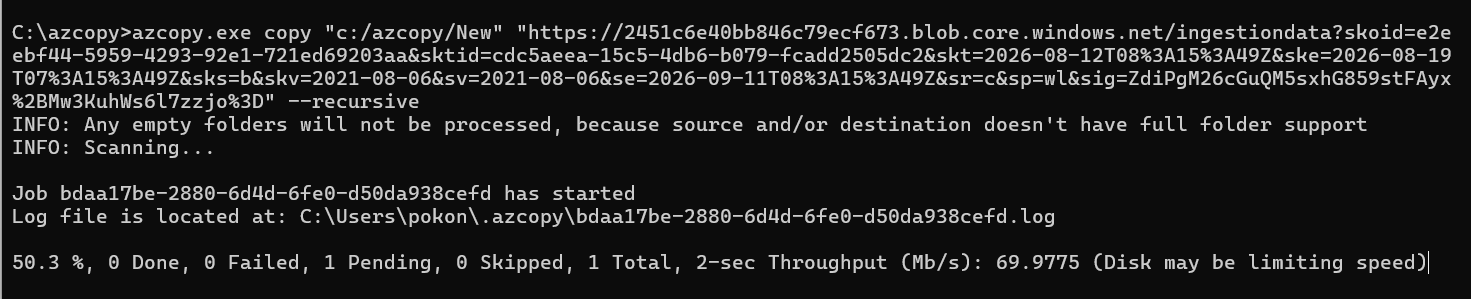
Upload in progress
3. Prepare the mapping file
Workload- ExchangeFilePath- folder from a blob storage, basically the same from azcopyName- pst file nameMailbox- it’s obviousIsArchive- Online Archive or mailbox directlyTargetRootFolder-/for a TopInformationStore or/FolderNamefor a folder
CSV mapping file can be downloaded here: PstImportMappingFile.csv
| |
4. Start upload, wait for an analysis to complete
5. Import
Select your job and click on Import to Office 365 button

Import to Office 365