Domain Removal Issues
If you want to remove a domain from an M365 tenant, you need to deprovision all associated objects first - easy to say, harder to do.
If the domain is not federated, M365 can handle it for you - it simply removes aliases and updates the Primary SMTP address and/or UPN to the default domain (domain.onmicrosoft.com).
However, this does not work for federated domains. You have to remove everything manually, which is manageable for one domain. In my case, I had to remove 150.
GUI Search Bar
You can search for users, groups, and apps directly from the Microsoft Admin Center - and it works fine for small tenants. For my organization, with hundreds of thousands of objects, it does not.
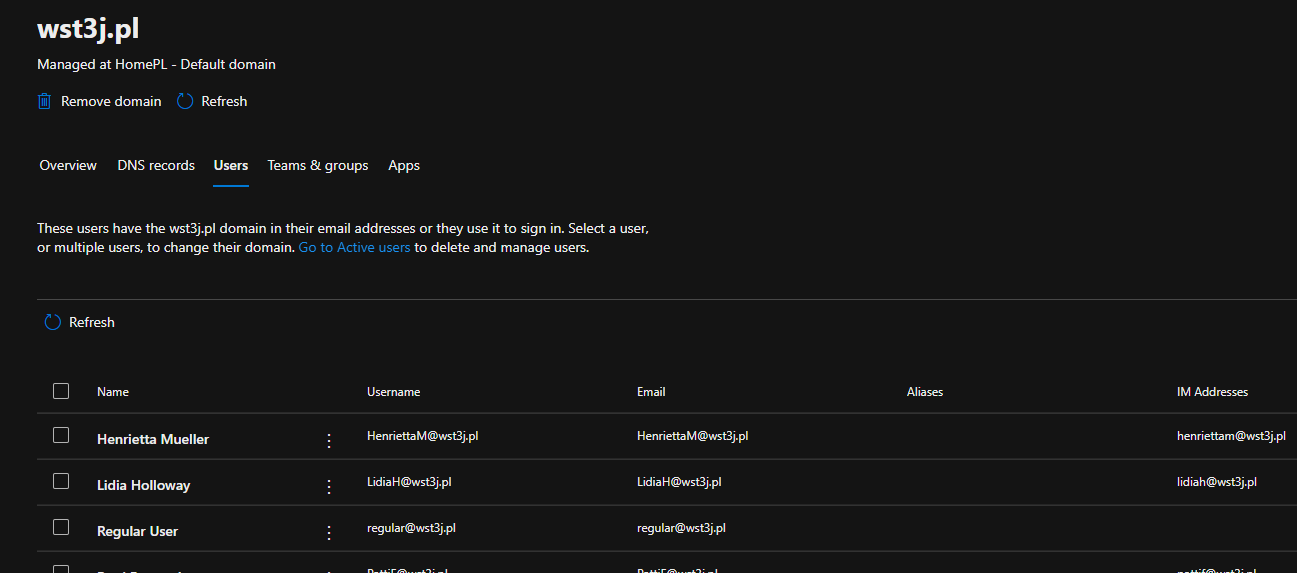
Domain objects in Microsoft 365 Admin Center
PowerShell to the Rescue
This can be solved in a straightforward way: load all tenant data into local memory once, then search within it.
- Copy the script into a PowerShell ISE window.
- Run the entire script (Ctrl + A, uncheck last line (Search-Domain..) then F8) to load all data.
- Wait for the script to finish collecting data - this may take up to a few hours for large tenants.
- Once done, run
Search-Domain DomainName- select the line and press F8. - Results will appear in the ISE output window. To check another domain, simply change the domain name, select the line, and press F8 again.
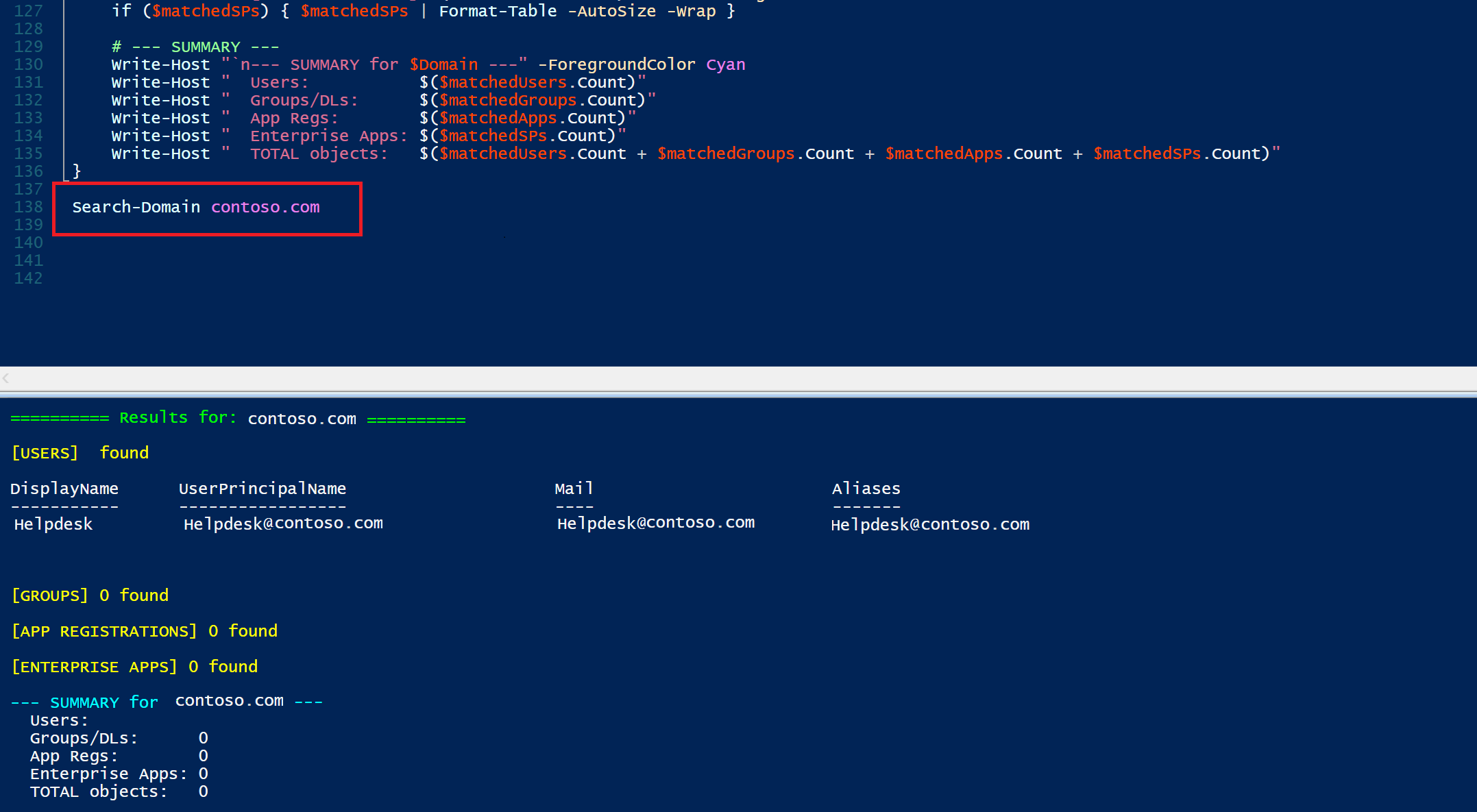
Image edited in Paint for privacy - it looks better in reality
Afterword
It could probably be written better to avoid the whole “select and press F8” thing but who cares.