The Task
Grant an Azure AD app write access to a single SharePoint site - instead of every site in the tenant.
Prerequisites
- Global Administrator role or
- Site Owner permissions on the target site
- An app registration with the
Sites.Selectedpermission
Checking Existing Permissions
GET request: https://graph.microsoft.com/v1.0/sites/{site-id}/permissions
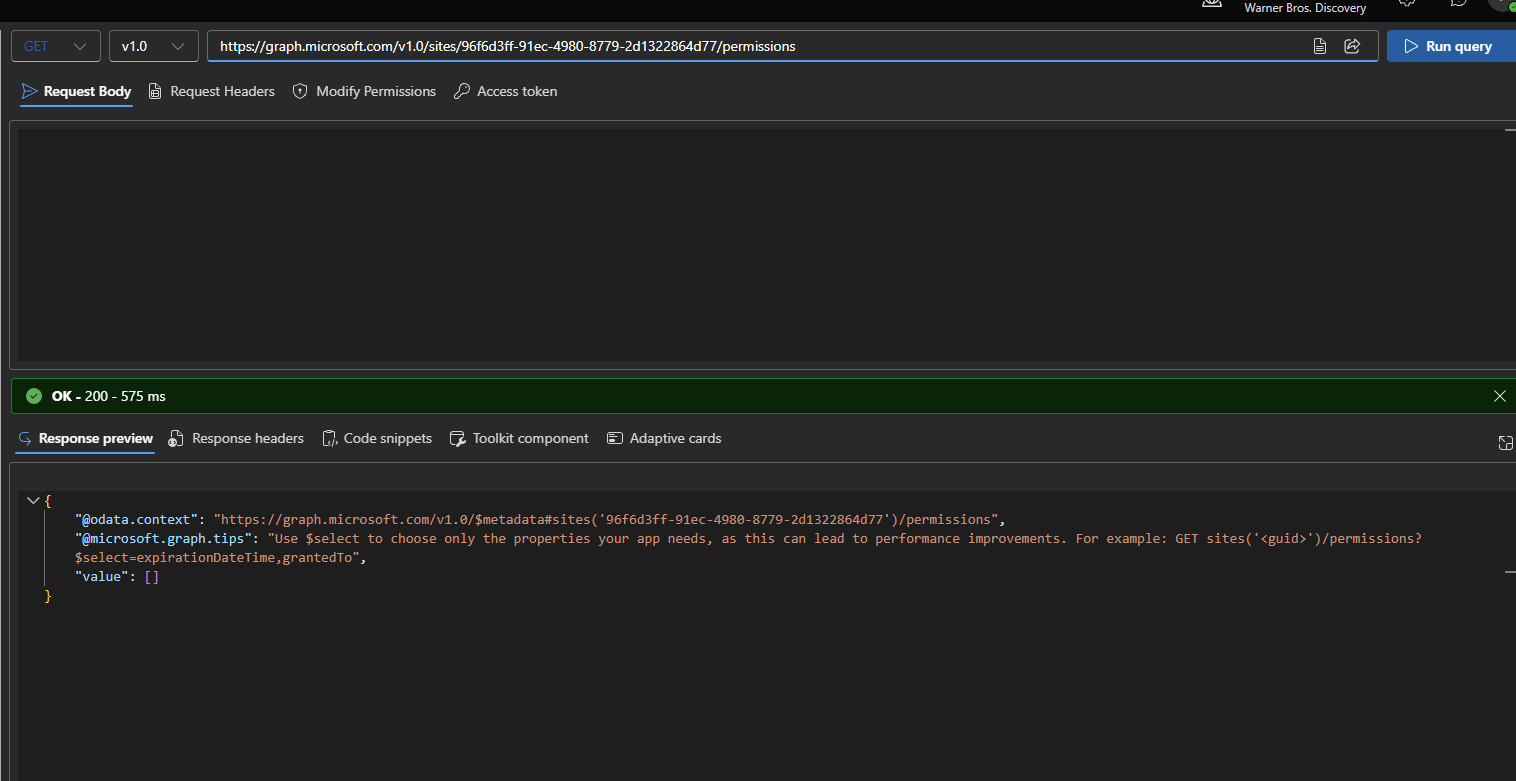
Empty value: [] means no app-level permissions have been granted yet
Granting Permissions
POST request
Body:
| |
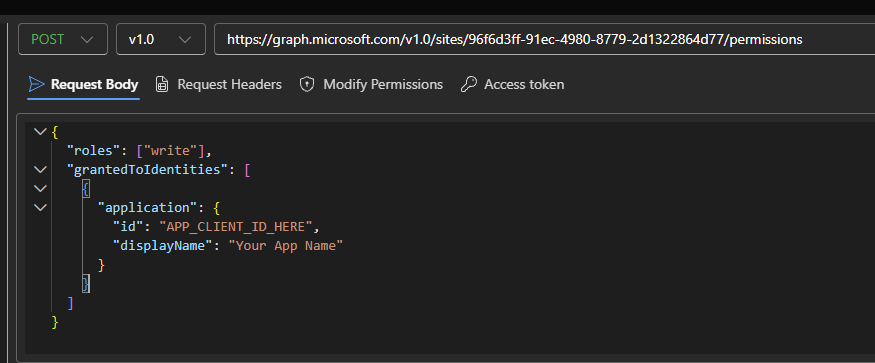
Request body: application ID + display name
Result:
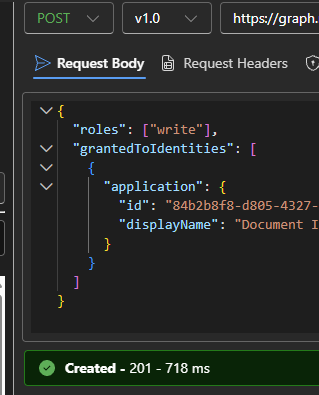
201 Created - permission granted
Notes
rolesaccepts"read"or"write"idis the app’s Client ID (not Object ID)- This grants site-scoped permissions - no need for tenant-wide
Sites.ReadWrite.All - Easiest to run through Graph Explorer